这篇文章用于记录如何在linuxmint中安装fusuma来用触控板手势触发快捷键
安装必要的库
安装必要的包,终端输入:
1
2
3
| sudo apt-get install libinput-tools
sudo apt-get install xdotool
sudo gem install fusuma
|
第三个命令中gem需要Ruby环境
输入以下命令安装环境
1
| sudo apt-get install ruby
|
安装完成后输入命令以检测是否安装成功
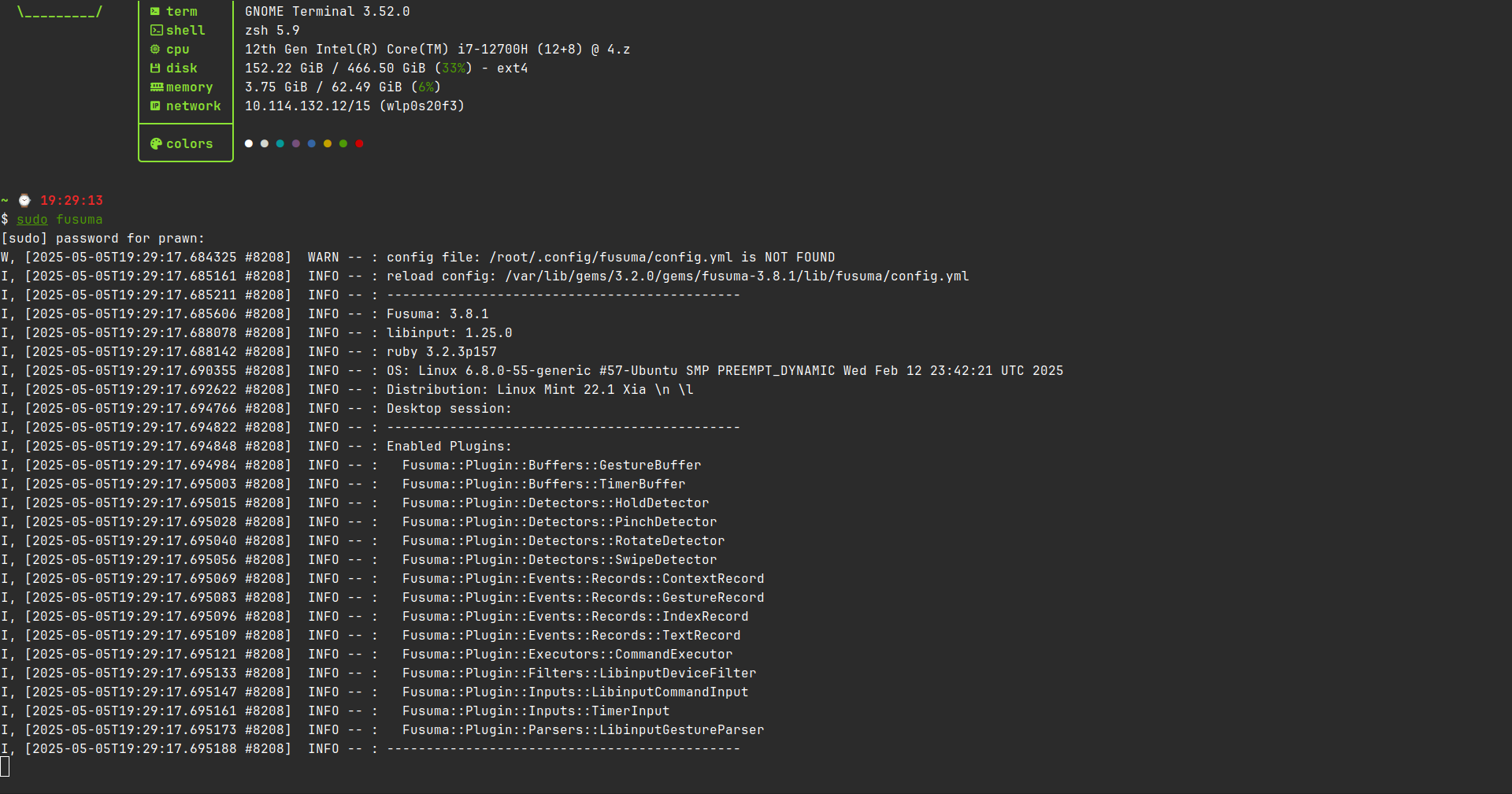
出现这样的输出证明安装成功
书写配置文件
配置文件路径
1
| ~/.config/fusuma/config.yml
|
默认配置
1
2
3
4
5
6
7
8
9
10
11
12
13
14
15
16
17
18
19
20
21
22
23
24
25
26
27
28
29
30
31
32
33
34
35
36
37
38
39
| swipe:
3:
left:
command: 'xdotool key alt+Right'
right:
command: 'xdotool key alt+Left'
up:
command: 'xdotool key ctrl+t'
down:
command: 'xdotool key ctrl+w'
4:
left:
command: 'xdotool key ctrl+alt+Right'
right:
command: 'xdotool key ctrl+alt+Left'
up:
command: 'xdotool key ctrl+alt+Down'
down:
command: 'xdotool key ctrl+alt+Up'
pinch:
2:
in:
command: 'xdotool key ctrl+equal'
out:
command: 'xdotool key ctrl+minus'
4:
in:
command: 'xdotool key ctrl+v'
out:
command: 'xdotool key alt+F10'
threshold:
swipe: 0.5
pinch: 0.5
interval:
swipe: 0.5
pinch: 0.5
|
随后只需更改对应的快捷键即可
参考链接
linux mint安装触控板手势fusuma